|
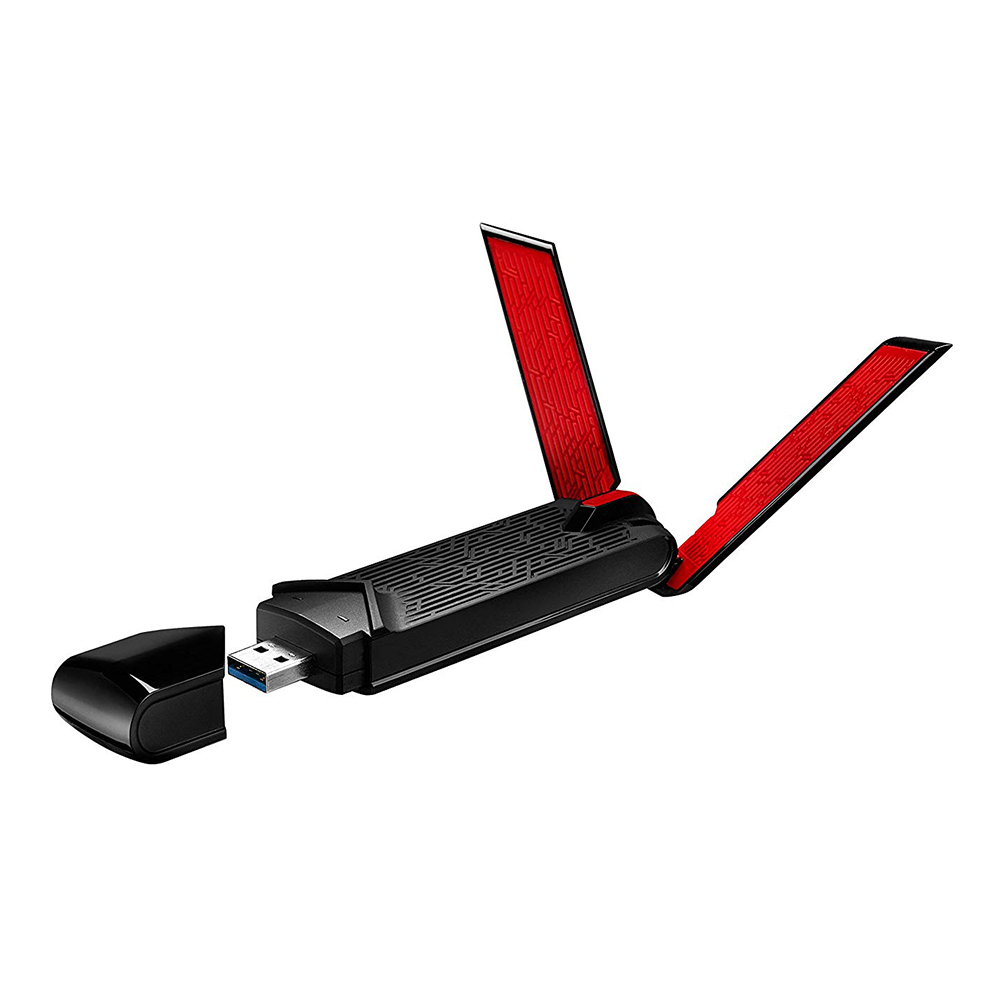
The ASUS USB-AC68 is a dual-band USB Wi-Fi adapter that instantly upgrades your desktop or laptop to the novelist 802.11ac technology with Wi-Fi speeds up to 1300 Mbps (5GHz) and 600 Mbps (2.4GHz). Its 3x4 MIMO antenna design with ASUS AiRadar Beamforming optimize the Wi-Fi reception, and the 3-position antennas and the cradle make it convenient to adjust for the best performance according to your usage- on desktop, on laptop, or on the go! The USB 3.0 interface eliminates the potential bottleneck for your Wi-Fi and ensures the best performance you can get.
|
| |
|
Boost your PC with up to 300% faster Wi-Fi
ASUS USB-AC68 gives your PC a wireless boost of up to 33% on the 2.4GHz band and an amazing 300% on the 5GHz band1 (compared with an 802.11n 3T3R adapter). With a combined data rate of up to 1900Mbps, your desktop or laptop will be able to handle bandwidth-intensive tasks easily.
|
| |
|
Upgrade your PC’s Wi-Fi — instantly!
ASUS USB-AC68 gives your laptop or desktop outstanding signal coverage thanks to its powerful 3x4 MIMO design with dual 3-position external antennas and ASUS AiRadar beamforming. Enjoy full Wi-Fi bandwidth throughout your home without messy setups.
|
| |
|
Full speed ahead with USB 3.0!
The USB 3.0 interface allows USB-AC68 to pair with notebooks and desktops with performance that’s up to 10X faster than USB 2.0. This gives USB-AC68 more than enough bandwidth to fully support 802.11ac Wi-Fi speeds, so you take full advantage of the latest Wi-Fi standard.
|
| |
|
Easy to position for the best reception.
USB-AC68 includes a desktop cradle that makes it easy to place it in the best position for good reception in troublesome Wi-Fi areas.
|
| |
|
Keep Up to Date!
Remember to always keep your device’s firmware up to date so you can benefit from the very latest service and security enhancements — and get exciting new features! Learn more about updating new firmware.
|
| |
Source : ASUS USB-AC68 Dual-Band AC1900 USB Wi-Fi Adapter


![WIRELESS USB ADAPTER (ยูเอสบีไวไฟ) ASUS [USB-AC68] DUAL BAND AC1900 HIGH GAIN](https://www.jib.co.th/img_master/product/original/20190123111620_22284_21_1.jpg)